Buying a PC in Raigarh: Prebuilt, Custom Build or Laptop?
Three ways to spend the same money, with genuinely different outcomes. Here's how to decide, and what buying locally changes about the answer.
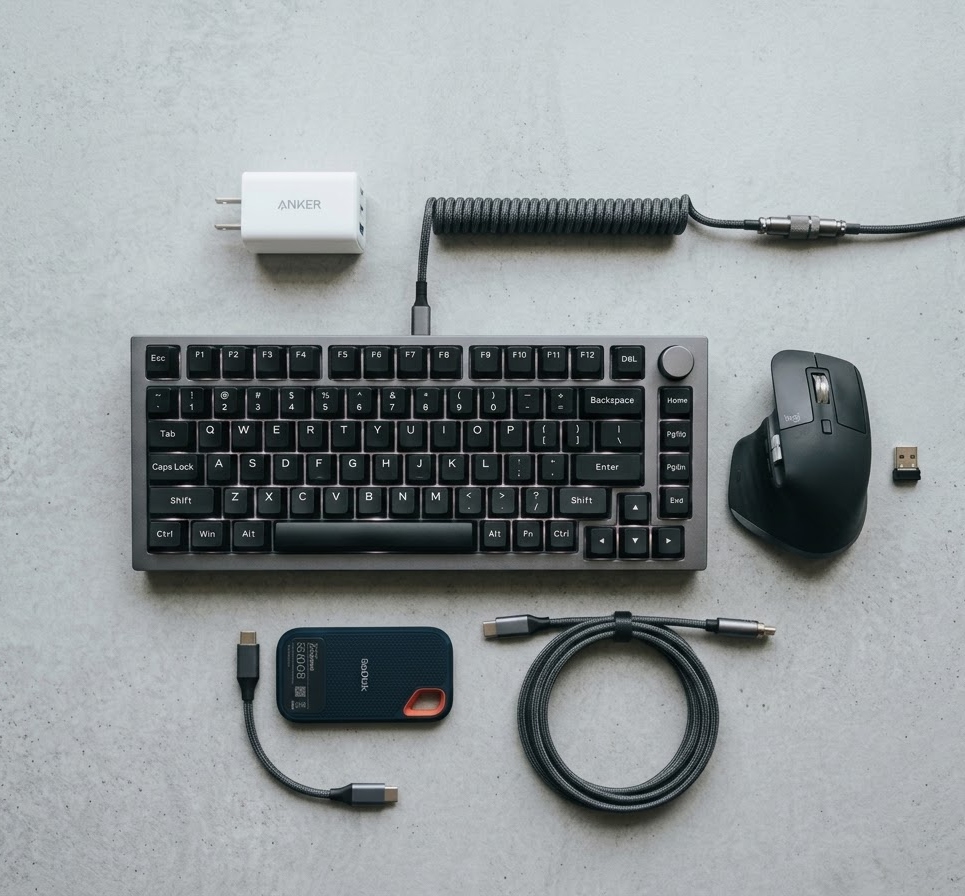
The right answer depends on one question more than any other: will this machine ever need to move? If it genuinely has to travel between home, office and class, buy a laptop and stop reading. If it will sit on one desk, a desktop gives substantially more performance per rupee and stays useful for far longer.
Laptop or desktop?
| Laptop | Desktop | |
|---|---|---|
| Performance per rupee | Lower | Substantially higher |
| Upgradeable later | RAM and storage, sometimes | Every part |
| Repair cost | Higher — parts are model-specific | Lower — standard parts |
| Lifespan before replacement | 4–5 years typical | 7–10 years with upgrades |
| Power cut tolerance | Built-in battery | Needs a UPS |
That last row matters more here than in most buying guides. If your supply is unreliable, budget for a UPS with any desktop — an unexpected shutdown mid-write is one of the more common causes of the corrupted-Windows repairs we see.
Branded prebuilt versus custom build
A branded desktop from Dell, HP or Lenovo arrives boxed, tested, with one warranty number to call. For an office buying twenty machines with GST invoicing and an AMC, that simplicity is worth real money, and it is usually what we recommend.
For a single machine at home, a custom build almost always wins on value. The reason is specific: prebuilts hit their price point by economising on the parts buyers don't check — the power supply, the cooling, the case airflow, and often the motherboard's upgrade headroom. Those are exactly the parts that determine whether the machine is still pleasant to use in year five.
- Choose a prebuilt if you want one warranty contact, need GST invoicing at volume, or simply want it to arrive working with no decisions.
- Choose a custom build if you want the best parts for the budget, intend to upgrade later, or need a specific balance — quiet, or graphics-heavy, or storage-heavy.
What a custom build actually involves here
It is less complicated than it sounds, and you don't need to know the parts. The usual conversation is: what will it be used for, and what's the budget. We work backwards from there.
- Tell us the workload and budget — or configure something yourself in the PC builder and send it over.
- We check compatibility, socket and power headroom, and flag anything that doesn't fit together.
- We quote against live stock, so the price reflects what's actually on the shelf that week.
- We assemble, cable-manage, install and update Windows, and stress-test under load.
- You collect a machine that boots, with every part's warranty intact and registered.
The case for buying from a counter
Online is sometimes cheaper on the sticker. What it doesn't cover is the part after the sale. A dead power supply in month fourteen is a walk-in here; online it is a support ticket, a pickup request, and often a fortnight without a computer while the seller and the manufacturer decide whose problem it is.
We have been on the same counter near Ramnivas Talkies Chowk since 2000, and we sell what we can service. That constraint shapes what we recommend — we don't stock parts we don't want to see come back.
Not sure which way to go? Send us the workload and budget and we'll tell you honestly which of the three fits.
Ask for a recommendation →Net Computers has been on the same counter in Raigarh since 2000. Walk in beside Hotel Tulsi, Ramnivas Talkies Chowk, or call 942-557-0330.
942-557-0330